
2 July 2026 • Cyber security
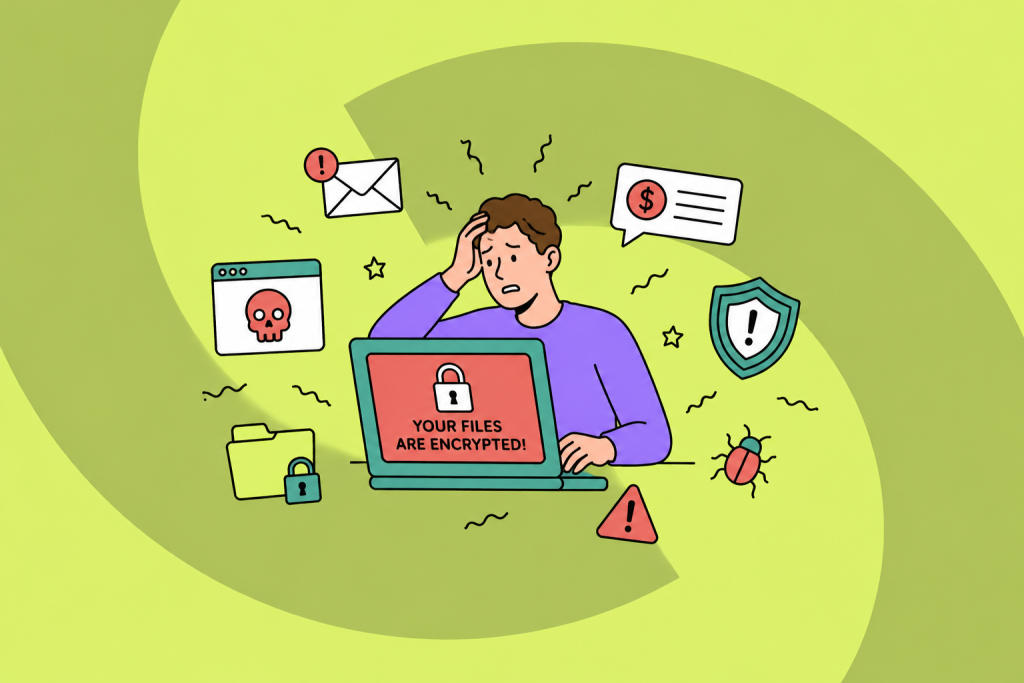
Ransomware is one of the most disruptive threats organisations face today. A successful attack can lock you out of your own systems within minutes, halt operations for days or weeks, and leave you with a choice between paying a ransom or rebuilding from scratch. The good news is that the majority of ransomware attacks are preventable, not through exotic security tools, but through consistent application of measures that every organisation can implement. This guide explains how to prevent ransomware, what the most effective steps are, and what the human factor has to do with it.
What is ransomware? A quick recap
Ransomware is a type of malware that encrypts files or systems and demands payment, typically in cryptocurrency, in exchange for the decryption key. Modern ransomware attacks often go a step further: attackers exfiltrate data before encrypting it and threaten to publish it if the ransom is not paid, a technique known as double extortion.
Ransomware reaches organisations in a limited number of ways: phishing emails that trick an employee into executing malware, exploitation of unpatched vulnerabilities, compromised remote desktop connections, and infected software or supply chain components. Understanding the entry points is essential for prevention, you can only block what you know to look for.
For a deeper explanation of how ransomware works, see our article on ransomware meaning and mechanics.
How to prevent ransomware: the technical layer
Preventing ransomware starts with closing the doors attackers most commonly use. These technical measures form the baseline, without them, no amount of awareness training compensates for the exposure:
- Keep software and systems patched. The majority of ransomware exploits known vulnerabilities for which patches already exist. A consistent patch management process, applied to servers, endpoints, network equipment and third-party applications, removes one of the most common entry points.
- Enable multi-factor authentication (MFA). Compromised credentials are a primary ransomware entry route, particularly via remote desktop (RDP) and email. MFA makes stolen passwords alone insufficient to gain access.
- Restrict remote access. Disable RDP where it is not needed. Where it is needed, use a VPN with MFA, restrict access by IP range, and monitor for unusual login times or locations.
- Segment your network. If ransomware does get in, network segmentation limits how far it can spread. Critical systems and sensitive data should be isolated from general office networks.
- Maintain offline or immutable backups. A ransomware attack that reaches your backup system defeats the purpose of having one. Backups should be stored offline or in an immutable format, tested regularly, and kept separate from production systems.
- Deploy endpoint detection and response (EDR). Modern EDR tools detect ransomware-like behaviour, mass file encryption, lateral movement, and can halt an attack in progress before it causes full damage.
- Filter email attachments and links. Since phishing is the leading ransomware delivery method, email security tools that inspect attachments, block malicious links and flag suspicious senders reduce the surface significantly.
Preventing ransomware in your organisation: what the office environment adds
Technical controls address systems and software. But an office environment introduces additional risk factors that go beyond the IT stack: shared devices, visitor access to the network, personal devices on work Wi-Fi, USB drives brought in from outside, and employees under time pressure who make fast decisions without stopping to verify.
Preventing ransomware in an office or business context means establishing clear policies around these risk factors and making sure employees understand why they exist:
- Guest network separation. Visitors and personal devices should never be on the same network segment as business systems and data.
- USB and removable media policy. Infected USB drives remain a real ransomware vector, particularly in manufacturing and logistics environments. A policy restricting or blocking USB usage on work devices eliminates this channel.
- Clear escalation procedures. Employees who suspect something is wrong, an unusual email, an unexpected pop-up, a system behaving oddly, need to know exactly who to contact and that doing so is encouraged, not punished. Early reporting can stop an incident before it becomes a full-scale attack.
- Supplier and third-party access review. Many ransomware attacks enter via a supplier or managed service provider with privileged access to the target’s systems. Review who has external access, restrict it to what is strictly necessary, and require suppliers to meet minimum security standards.
Ransomware does not discriminate by organisation size. Small businesses and offices are frequently targeted precisely because they are assumed to have fewer controls, and that assumption is often correct.
The human factor: why security awareness training is essential for ransomware prevention
Technical controls reduce the attack surface, but they cannot eliminate human risk. Phishing is the number one ransomware delivery method, and phishing succeeds not because technical filters fail, but because a person makes a decision in a moment of distraction, time pressure or misplaced trust.
An employee who opens a malicious attachment, enters credentials on a spoofed login page or calls back a “bank security team” is not stupid. They are doing what anyone does when they act on incomplete information under pressure. The question is how to give people the pattern recognition to pause and check before acting, and that only comes through practice.
Security awareness training builds that practice through regular, short sessions and realistic phishing simulations. Employees who have seen a convincing phishing email in a simulation context are better equipped to spot one in real life. Organisations that run ongoing awareness programmes consistently see lower phishing click rates, which translates directly into fewer ransomware entry points.
Awareness training also changes what happens after a suspicious email lands. Employees who have been trained are more likely to report rather than click. That shift, from passive target to active reporter, is one of the most significant risk reductions an organisation can make, at relatively low cost and with no additional infrastructure required.
Ransomware prevention checklist: where does your organisation stand?
Use this checklist to assess how well your organisation is currently protected against a ransomware attack:
- All operating systems, applications and firmware are patched within a defined timeframe
- MFA is enabled on email, remote access and critical systems
- RDP is disabled or protected behind VPN with MFA
- Offline or immutable backups exist and are tested regularly
- Network segmentation separates critical systems from general office networks
- EDR or equivalent is deployed on all endpoints
- Email filtering is configured to block malicious attachments and links
- Employees receive regular phishing simulations and security awareness training
- A clear incident escalation and reporting process exists and is known to all staff
- Third-party and supplier access is reviewed and limited to what is necessary
If more than two or three of these are missing or unclear, your organisation has meaningful exposure to a ransomware attack, and the gaps are addressable.