Realistic fake phishing emails, a short lesson at the moment someone clicks, and weekly awareness challenges that keep the knowledge fresh. Not a slide deck, but practice in the inbox where phishing actually happens.
Or explore the training modules free for 14 days


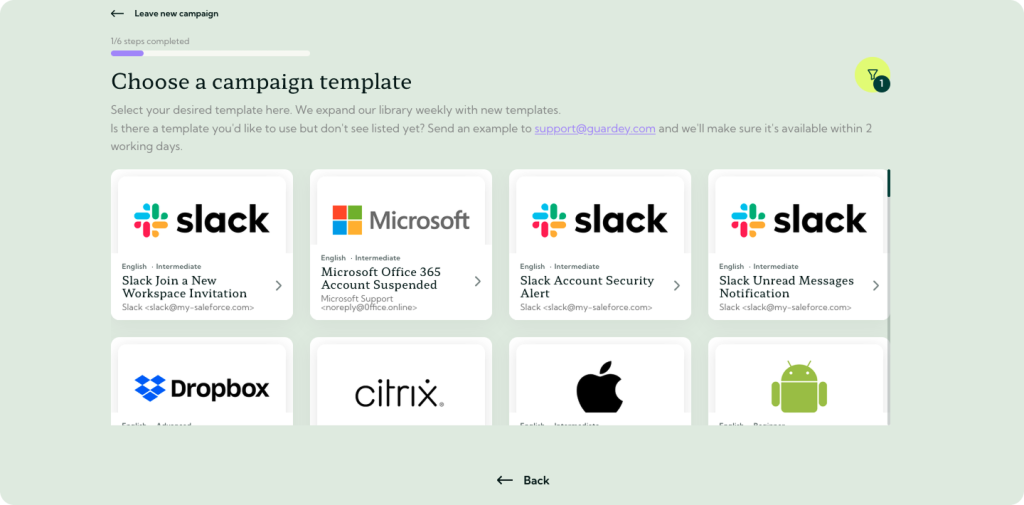
Pick a template from the library of more than 100 phishing simulations, choose who receives it and hit send. Employees come in through Microsoft Entra ID or a simple list.
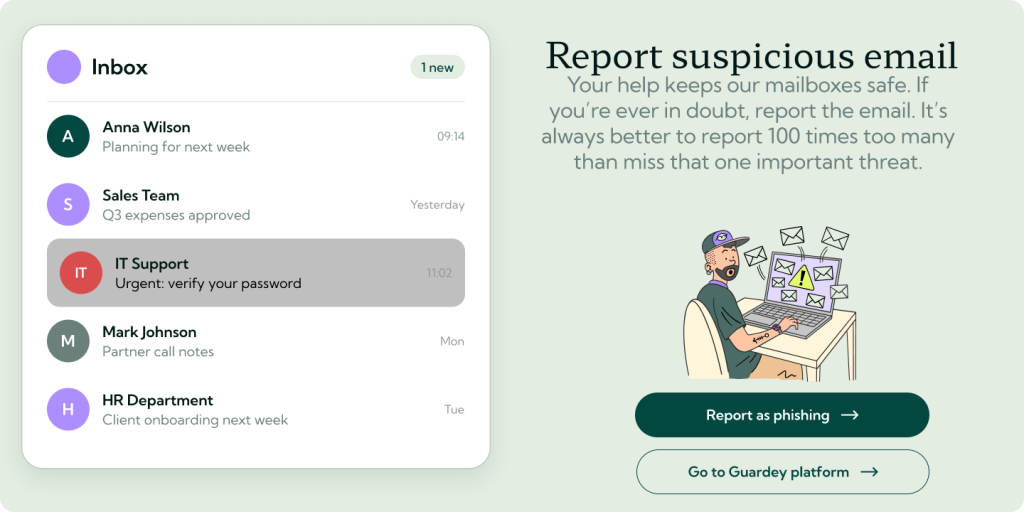
Whoever clicks lands on a short, friendly explanation of the signals they missed. Whoever reports the email with the button in Outlook or Gmail earns points. That is the lesson, right when it sticks.
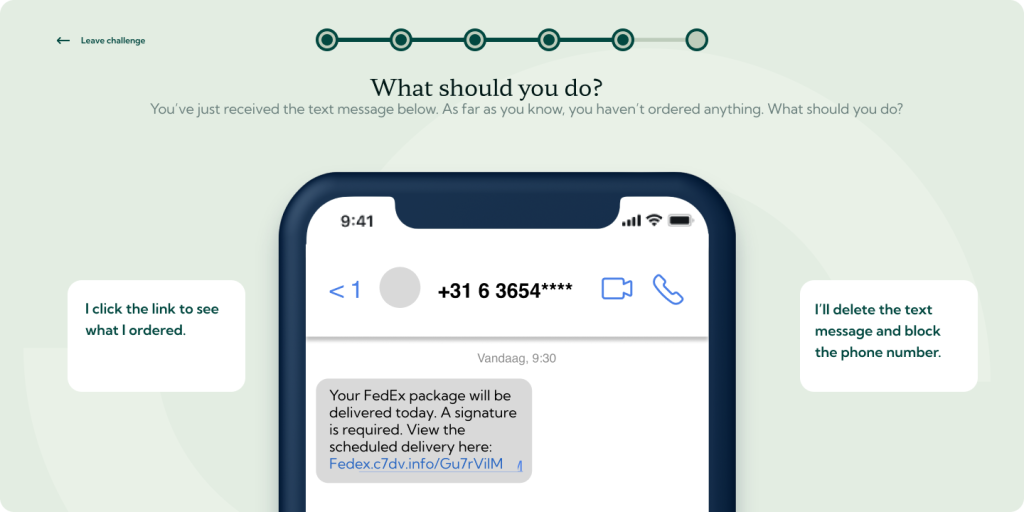
Between campaigns, a 3-minute security awareness challenge lands every week: phishing, but also passwords, social engineering, safe remote work and more. So the knowledge does not fade before the next test.
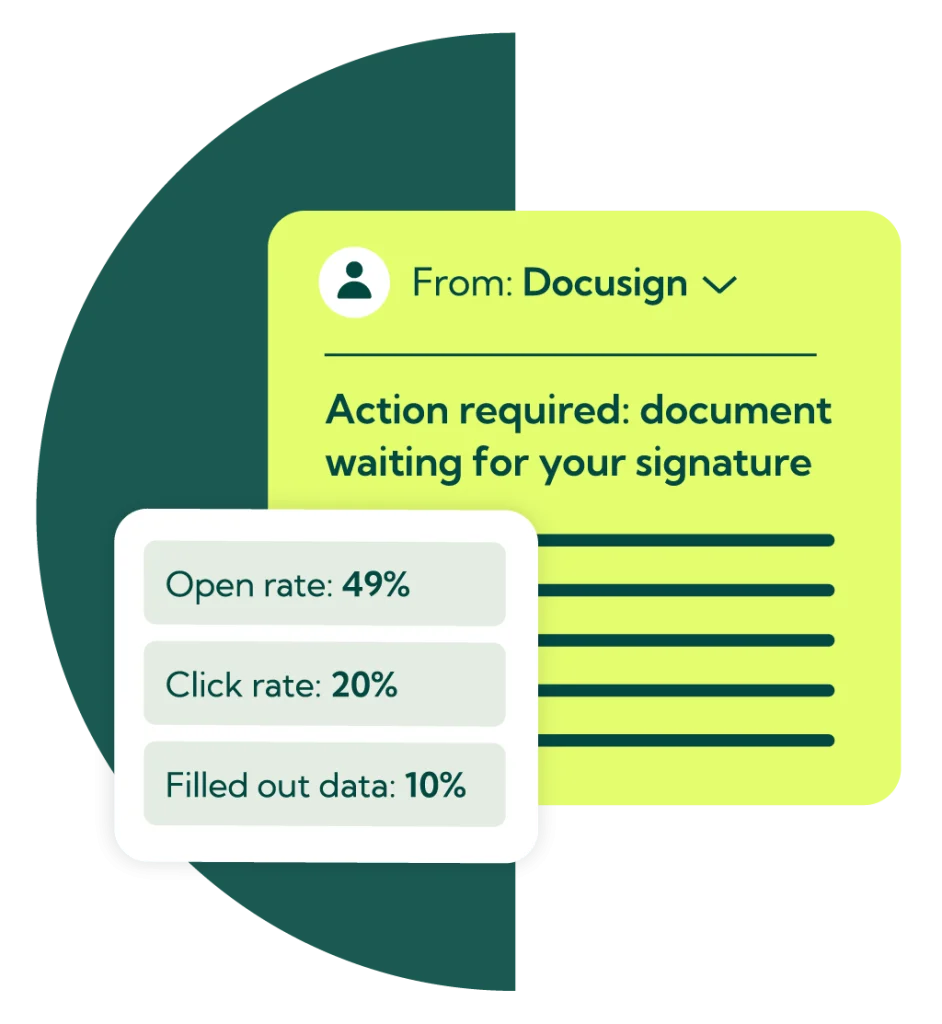
Most phishing awareness training fails on one thing: it happens somewhere else. A yearly e-learning module about phishing is completed in an afternoon and forgotten by the time the real email arrives. Guardey moves the lesson to the inbox.
Employees receive phishing simulations that look like the mail they get every day: a fake invoice, a password reset, a message from “the CEO”, a QR code on a parcel notice. Only the outcome is different: no damage, but direct feedback on what they should have noticed.
Because you can run campaigns monthly or quarterly, and randomise who gets what and when, every colleague is tested regularly, new employees are included from their first week, and your reports show a trend instead of a single incident.

The template library and the awareness challenges together cover phishing in every form it shows up in a working day, not just the classic email:
Add your own scenarios with custom content, so the training matches your policies and the tools your team uses. Available in more than 10 languages.

Phishing is the most common attack, but it is not the only one. That is why phishing awareness training in Guardey is part of a broader security awareness training: short weekly challenges with a storyline, a leaderboard and streaks, covering everything from strong passwords and MFA to ransomware and safe use of AI tools. Phishing keeps coming back as a topic, because attackers keep coming back with it.
Every phishing test and every challenge lands in weekly reports you can export for your compliance file. That is the evidence ISO 27001, NIS2 and SOC 2 ask for: not that you offered training, but that people took part, and that the click rate went down while the report rate went up.

“After receiving a lot of phishing emails, we decided to do a phishing test last year to test the cyber awareness of our employees. During this test, we sent fake emails to see how many would click a possibly harmful link. The result? 29.4% did, which was higher than expected. After using Guardey for only a few weeks the scores had improved by 84%.”
Phishing training, also called phishing awareness training, teaches employees to recognise phishing attempts and respond correctly: not clicking, not entering data, and reporting the message. In Guardey it consists of three parts: realistic fake phishing emails, a short explanation at the moment someone clicks, and weekly security awareness challenges in which phishing returns as a topic alongside other cyber risks.
No. A phishing test shows who clicks, who reports and who enters data, but a test alone teaches nobody anything. Phishing training is everything that turns that test into learning: the feedback after the click, the reporting button, and the challenges that keep the knowledge alive between tests. Guardey runs both on one platform.
More often than once a year. A single phishing test only gives you a snapshot, and most of a one-off e-learning session is forgotten within weeks. Most organisations get the best results from a test campaign every month or every quarter, combined with a short awareness challenge every week. In Guardey both run automatically once they are set up.
Not by that name, but in practice yes. Both require security awareness training for employees and evidence that it takes place, and phishing is the most common attack, so it is the core of any such programme. NIS2 lists cyber hygiene and training explicitly as a required measure. Guardey’s reports show participation and progress per employee, which is exactly what an auditor asks to see.
No. The free Guardey trial lets you explore the training modules. Phishing tests are part of a personal demo, where we walk you through a campaign from template to report.






A fake invoice, an expired password or an email from “the CEO”? In a personal demo we show you how to find out. Explore the weekly challenges for free in the meantime.

